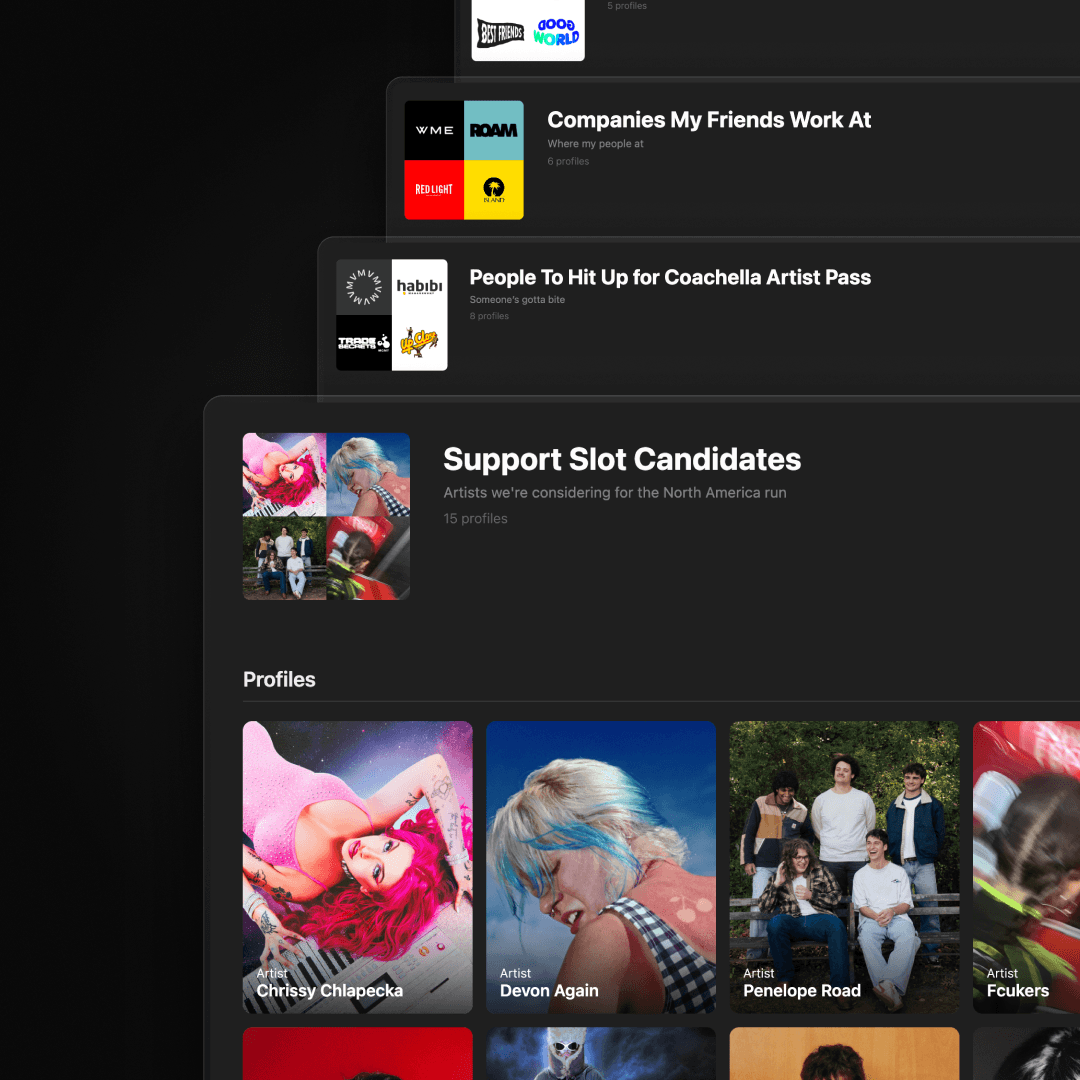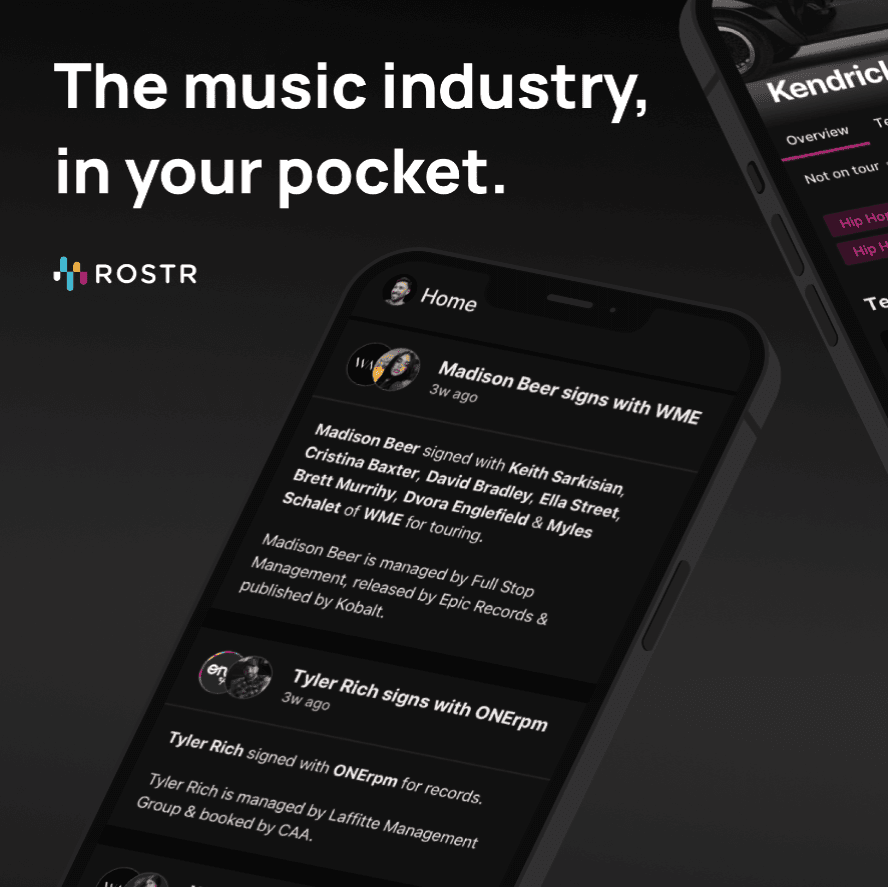
Introducing Shared Lists: Curate. Publish. Send.
Today we're introducing Shared Lists on ROSTR.
Since we launched ROSTR Lists a few weeks ago, the most common request has been a way to share them with colleagues and partners. Now you can.
Share with anyone, on or off ROSTR
With Shared Lists you can share any list privately with specific people, or publish it for anyone to follow. People who follow your list stay updated automatically as you add or remove artists, people, or companies. No more sending updated screenshots or updating spreadsheets.
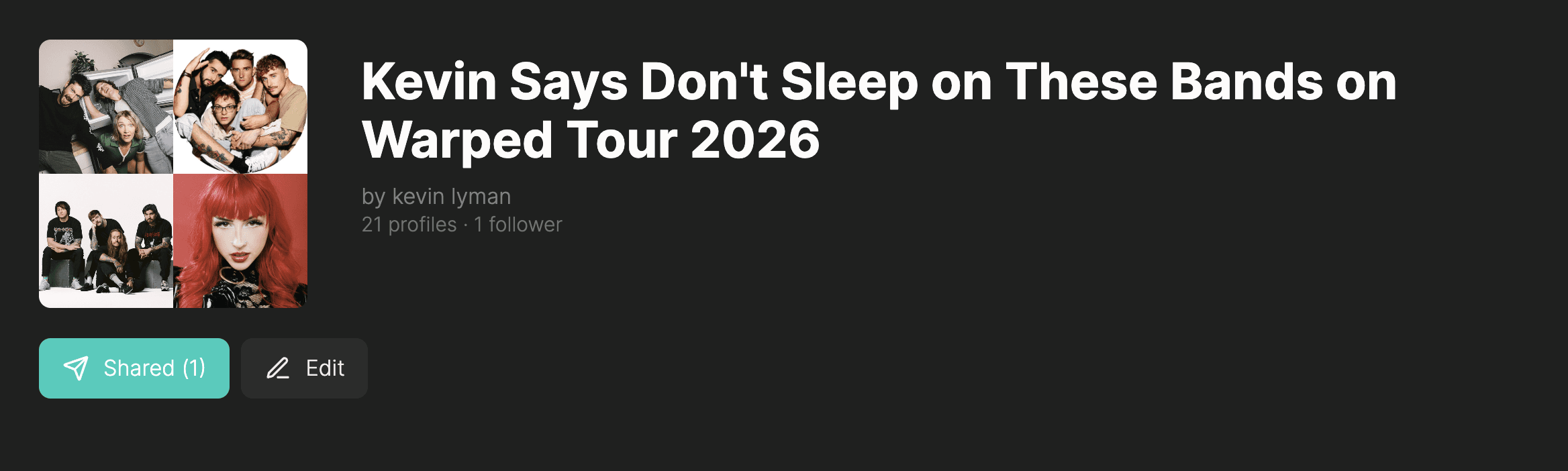
Discover lists worth following
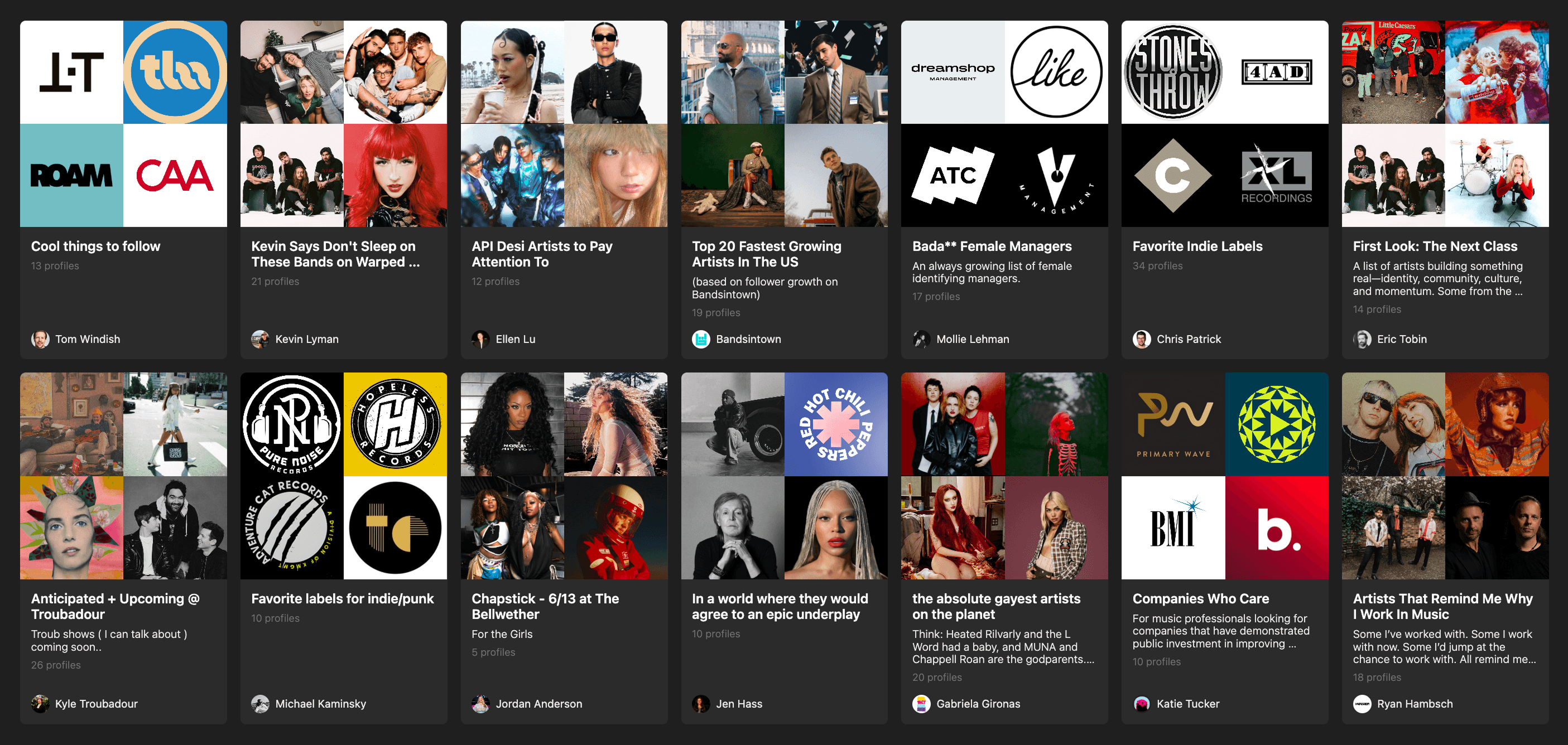
While we were testing Shared Lists internally, the most interesting thing wasn't the sharing itself. It was seeing what other people were curating. So alongside Shared Lists we're also launching a new Discover page to help you find and follow lists and profiles worth paying attention to.
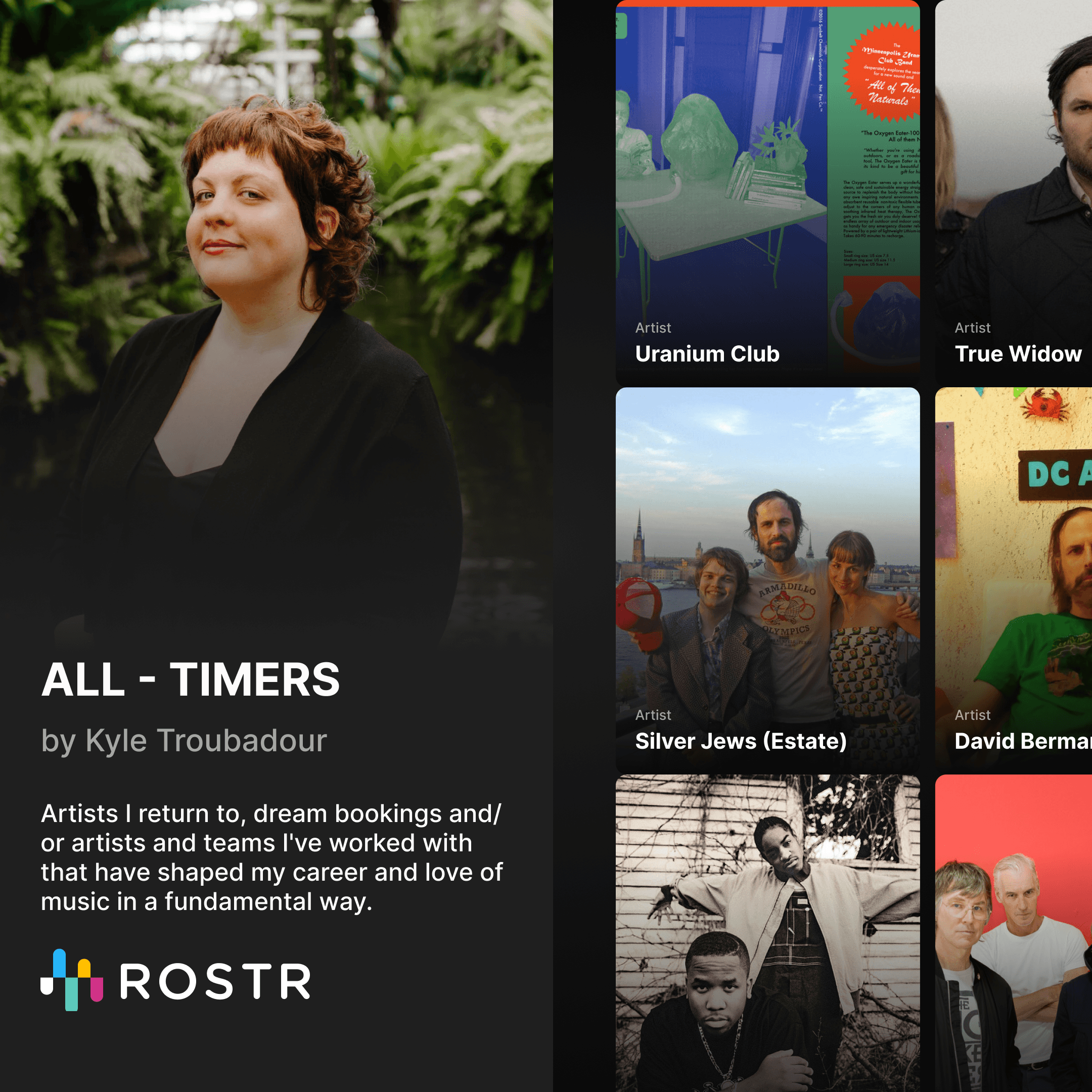
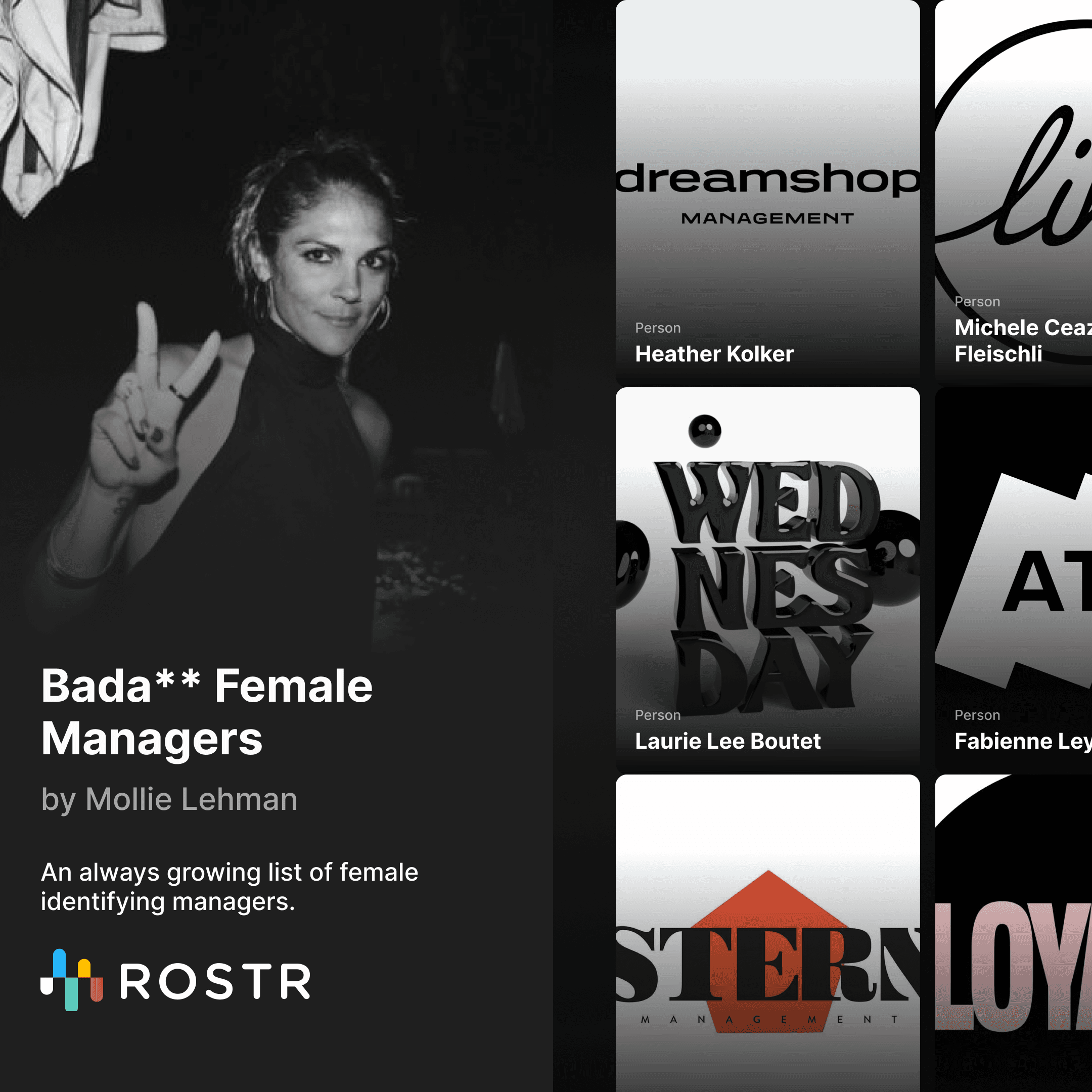
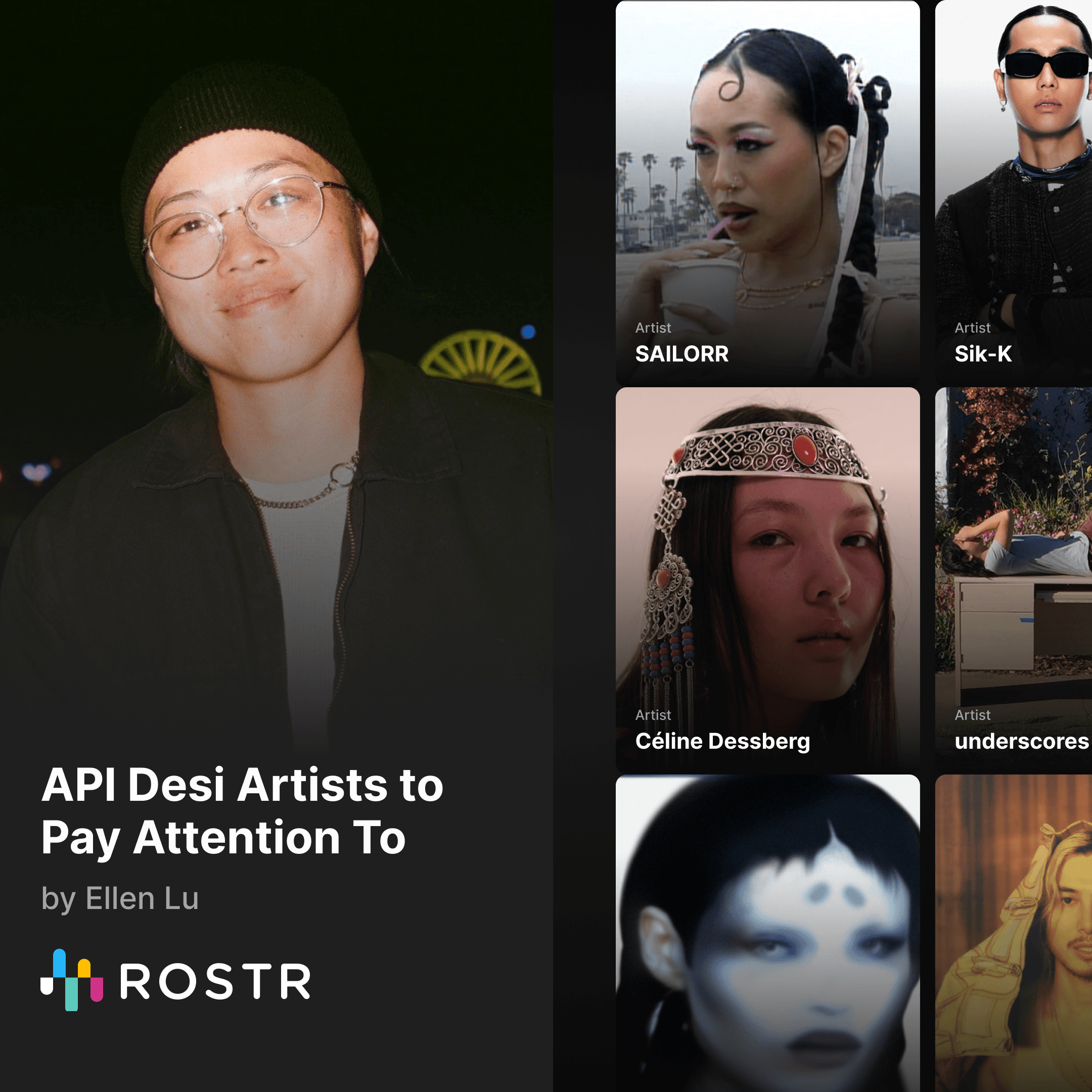
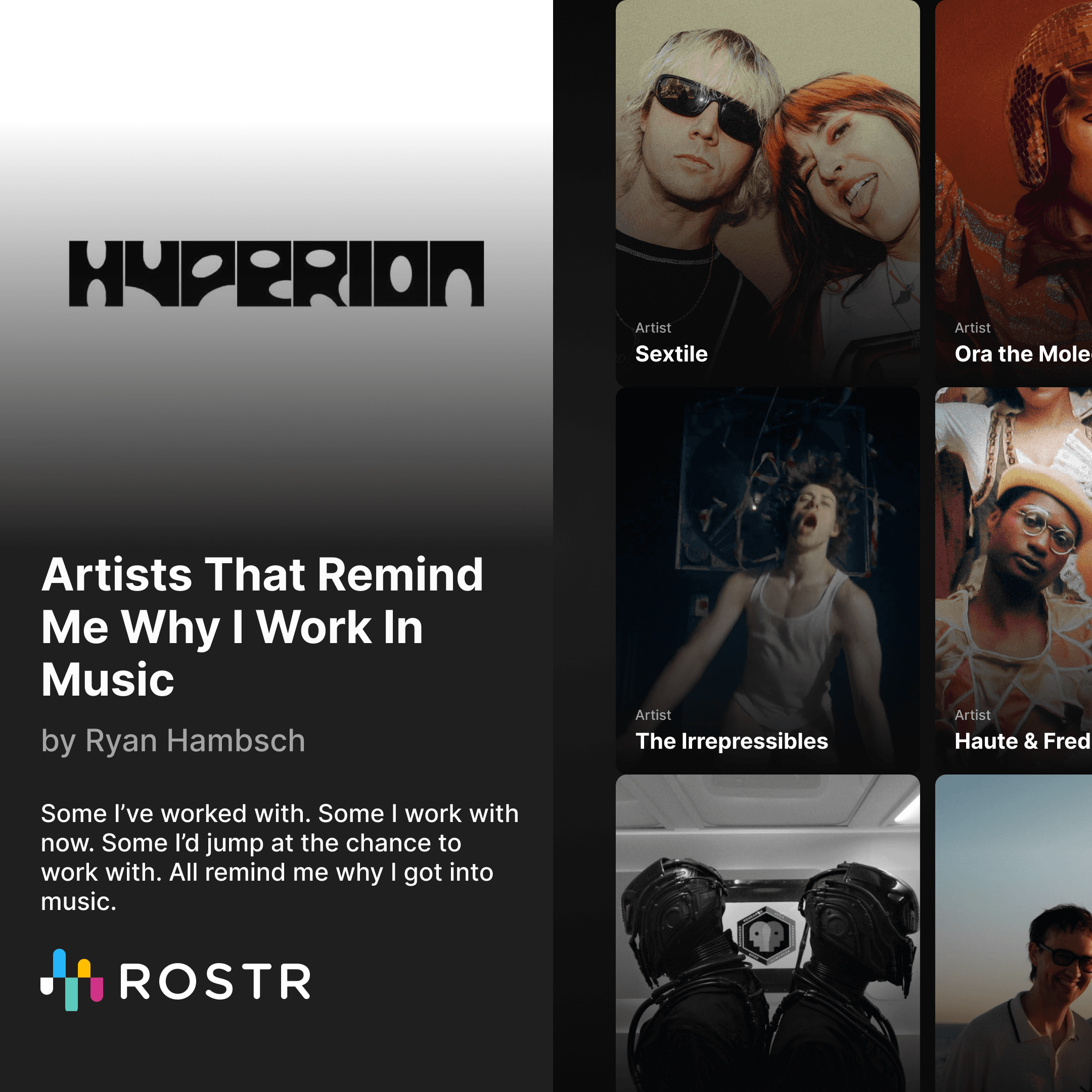
Check out and follow some great lists from our launch partners including at places like Bandsintown, The Troubadour, THE·TEAM & more.
A few ideas on how to use Shared Lists
Internal team lists. Keep your A&R, marketing, or sync team aligned on who you're tracking, pitching, or signing.
Festival and tour shortlists. Share a working list with bookers, agents, or partners as it evolves.
Active rosters. Show partners which of your artists are open to touring, brand or other opportunities right now.
Curated lists for clients. Send managers, labels, or brand partners a live view of artists or companies relevant to them.
Public taste lists. Publish a list of artists you're championing and let the right people find you through it.
Research and competitive tracking. Build a list of partners, competitors, or potential hires and keep it updated for your team.
How Shared Lists Work
Every list starts private. Open the share panel from any list and you can switch it to one of two sharing modes:
Unlisted. Anyone with the link can view the list, but it won't show up in search or on Discover. Good for sharing with specific people.
Public. Anyone with the link can view it, and it can appear on Discover and in search engines. Good for lists you want people to find.
You can switch between the two anytime. The link stays the same.
The first time you share a list you'll pick a ROSTR @handle. Your handle becomes part of every list URL you share, so people can see at a glance who curated it. Choose carefully, handles can't be changed later.
Anyone with the link can view a shared list without a ROSTR account. If they do have an account they can also follow it (so they're notified when you make changes), save their own editable copy, or click into any profile on the list.
Shared Lists are live today for all ROSTR Pro users. If you build something cool, send it our way. We'd love to feature it.